

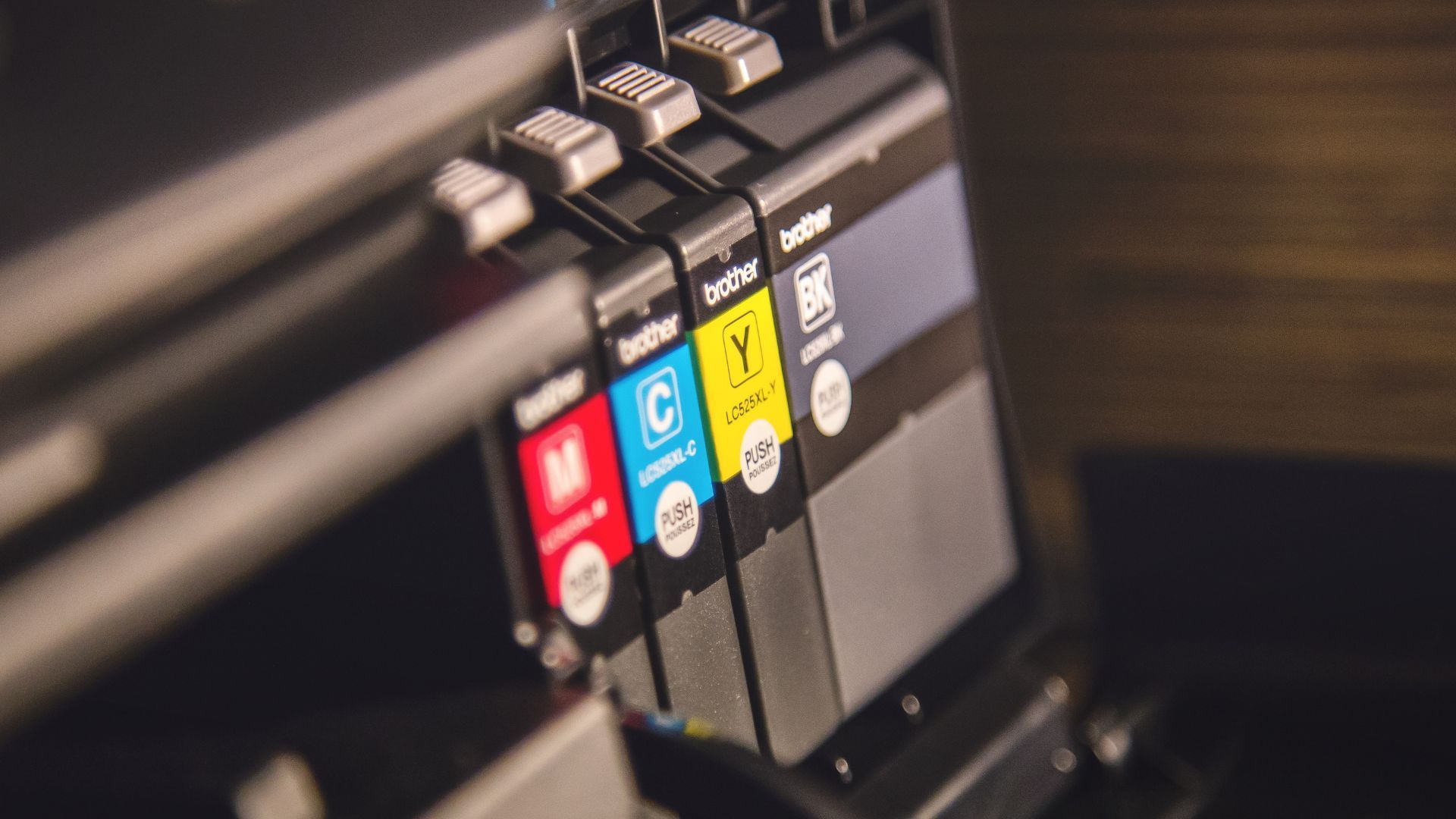
An inkjet cartridge can typically be refilled two to four times before its internal copper contacts or printhead nozzles degrade. However, every DIY refill carries a compounding risk of internal leaks, clogged micro-nozzles, and electrical shorts that can permanently damage your printer hardware.
Key Takeaways: The DIY Reality Check
- Refill Limit: 2 to 4 times per cartridge housing.
- Primary Risks: Burned-out printhead resistors, clogged ink channels, and voided manufacturer warranties.
- Chemical Traps: Mixing pigment-based and dye-based inks creates a thick sludge that destroys internal mechanics.
- The Smart Alternative: Factory-remanufactured cartridges deliver deep discounts without the mess or technical hazards.
The Hidden Cost of the Quick Fix
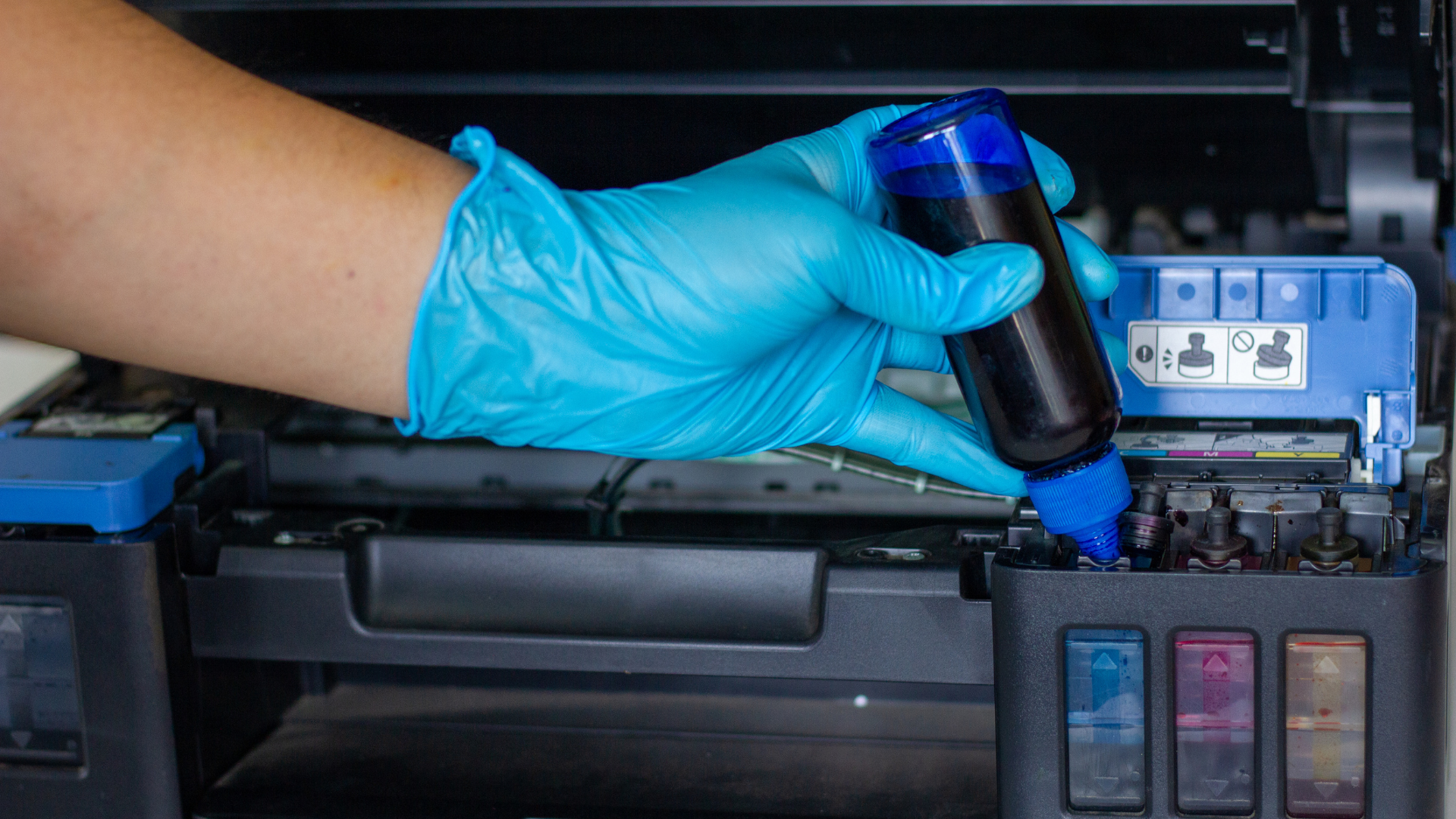
The appeal of a DIY printer cartridge refill kit is easy to understand when your low-ink warning flashes during a critical project. It looks like a simple way to bypass retail prices.
You just inject a little ink into the empty reservoir and keep printing.
The reality of handling liquid ink over an expensive piece of machinery is rarely that clean. Many home and office users discover that saving a few dollars on raw ink can quickly lead to ruined documents and broken equipment.
Before you open a refill kit, you need to understand the fragile micro-technology inside your printer.
At Cartridge World Corporate, we have spent decades analyzing print mechanics and helping businesses optimize their printing budgets. If you are trying to cut costs, exploring Cartridge World’s print optimization services will help you balance budget savings with reliable hardware performance.
The Technical Reality of a Printer Cartridge Refill
An inkjet cartridge is not just a plastic bucket for colored water. It is a highly engineered, delicate electronic component.
Why Cartridges Wear Out Rapidly
The copper-colored strips on the side of your cartridge are microscopic electronic contacts. These contacts tell the printer exactly when to fire the heating elements that eject ink onto the page.
Every time you remove and reinsert a cartridge, these contacts rub against the printer’s internal pins. Over time, physical friction scratches this thin metal layer. Once the copper layer wears down or gets scratched, the electrical signals fail. Your printer will throw a "Cartridge Not Recognized" error, rendering the unit useless, no matter how full of ink it is.
The Problem of Thermal Degradation
Most consumer printers use thermal inkjet technology. This means the cartridge uses tiny resistors to heat the ink to boiling, creating a vapour bubble that pushes the liquid through the nozzle.
The standard firing sequence relies entirely on fluid dynamics:
- Electrical Pulse: The printer sends a signal that instantly spikes the temperature of the internal resistive heater.
- Vapor Expansion: The surrounding ink boils rapidly, expanding into a controlled vapor bubble.
- Droplet Ejection: This expanding bubble forces a microscopic ink droplet out through the printhead nozzle.
The liquid ink acts as a vital coolant for these microscopic heating elements. When you run a cartridge completely dry before refilling it, those internal resistors instantly overheat.
Running a cartridge empty just once can permanently burn out the printhead nozzles. No amount of fresh ink will make a burned-out resistor work again.
Identifying the Right Ink Type: Chemical Formulas Matter
A common mistake in DIY refills is assuming that all black or coloured ink is identical. It is not.
Pigment vs. Dye-Based Inks
Printer manufacturers formulate proprietary ink blends for every single printer model line. These formulas fall into two fundamentally different categories:
| Ink Type | Base Material | Common Use Cases | Vulnerability to Clogging |
|---|---|---|---|
| Pigment-Based | Solid powder particles suspended in a liquid | Sharp text, archival documents, heavy business use | High risk if left stagnant or mixed |
| Dye-Based | Fully dissolved colorants in liquid | Vibrant photos, high-gloss media, light consumer use | Medium risk; highly sensitive to air exposure |
The Danger of Chemical Sludge
If your printer was designed for dye-based ink and you inject a heavy pigment-based ink into the chamber, the remaining chemical residue will react. The two distinct formulas will often coagulate inside the cartridge sponge.
This creates a thick, glue-like sludge. This mixture completely blocks the microscopic printhead nozzles, making it impossible for the printer to clear the blockage through standard cleaning cycles.
The Digital Gatekeeper: Navigating Chip Resets
Modern printing hardware is designed to track ink usage through an onboard smart chip attached to the cartridge body.
The Memory Limitation of Microchips
When you install a brand-new cartridge, the printer reads its unique serial number and logs its initial volume. As you print, the printer estimates usage and writes that data back to the chip.
Once the chip registers that the cartridge is empty, it locks. Simply refilling the reservoir with ink does not change the digital status written on the chip.
The Need for Physical Reset Tools
To make a refilled cartridge work, you often have to purchase a secondary device called a hardware chip resetter.
Technical Warning: Attempting to bypass these digital locks by taping over chip contacts can cause unpredictable voltage fluctuations across the print carriage, potentially disabling the printer's main logic board.
Air Bubbles & Vacuum Seals: The Anatomy of a Faulty Refill
For an inkjet cartridge to feed ink smoothly to the printhead, it must maintain a very precise internal pressure balance.
The Role of Intact Pressure Seals
Industrial assembly lines fill cartridges under a strict vacuum to prevent air pockets from forming in the ink-retaining sponge. When you pierce a cartridge casing with a DIY refill syringe, you permanently break that factory vacuum seal.
If you fail to reseal the injection hole perfectly with specialized airtight plugs, air leaks continuously into the cartridge chamber.
Why Air Pockets Cause Failure
The breakdown of this internal ecosystem leads to immediate operational issues:
- Air bubbles get trapped directly behind the printhead nozzle plate, causing instant ink starvation by blocking the physical flow of liquid.
- The lack of consistent negative pressure causes streaky, broken lines across your printed pages, regardless of your print settings.
- Without a steady internal vacuum, gravity pulls the liquid downward, causing uncontrolled leaking where ink drips directly out of the bottom and pools into your machine.
The Worst-Case Scenario: Permanent Hardware Damage
The ultimate risk of DIY refilling extends far beyond a ruined $30 cartridge. A faulty refill can destroy the entire printing machine.
Corrosive Internal Leaks
When a punctured cartridge leaks inside the printer, the excess ink pools directly in the maintenance station and onto the delicate electronic ribbon cables beneath the carriage assembly.
Printer ink is highly conductive. When liquid ink contacts live electrical connections, it can cause a short circuit that fries the printer's motherboard, turning your hardware into e-waste.
Voided Manufacturer Warranties
According to independent industry analysis, including data monitored across the office supply sector, major hardware brands will deny warranty coverage if they find evidence of physical modifications, such as drilled holes or third-party ink spills inside the chassis. Repairing a fried printhead assembly can often cost more than buying a brand-new machine.
The Professional Alternative: Factory-Tested Reliability
You do not have to risk your hardware to enjoy lower printing costs. There is a safer, cleaner path to managing your expenses.
Engineered Precision Over DIY Guesswork
Factory-remanufactured cartridges from professional suppliers provide a dependable alternative. These units are collected, completely disassembled, thoroughly cleaned with industrial ultrasonic equipment, and inspected under laboratory conditions.
The modern production lifecycle ensures total hardware compliance:
- Empty OEM cartridge cores are collected and structurally verified.
- Internal chambers undergo heavy ultrasonic cleaning to remove old ink sludge.
- Microscopic electrical contacts and smart chips are tested and replaced if worn.
- Ink is filled to exact capacities under a true, laboratory-grade vacuum environment.
Any worn internal components or damaged microchips are replaced with brand-new parts. The cartridges are then refilled using precise, model-specific ink formulations under a true vacuum environment.
Guaranteed Peace of Mind
These professionally built cartridges match the page yield and print quality of original equipment manufacturer (OEM) products. They offer the deep savings you want on refills, backed by product guarantees that keep your printer safe.
FREQUENTLY ASKED QUESTIONS
Can I refill a cartridge that has been sitting empty for months?
It is highly unlikely to work. When a cartridge sits empty, the microscopic ink residue inside the nozzles dries completely, forming a solid plug that cannot be cleared by home cleaning methods.
Why does my printer say "Low Ink" after I just refilled it?
Why does my printer say "Low Ink" after I just refilled it?
Will using remanufactured cartridges void my printer warranty?
No. In the United States, the Magnuson-Moss Warranty Act protects consumers by preventing manufacturers from voiding a machine warranty simply because a third-party or remanufactured cartridge was used.
Cartridge World's Print Expertise
Cartridge World Corporate has been a global leader in printing solutions for over twenty years, operating dedicated manufacturing and testing hubs across North America. Our engineering and technical diagnostic teams bring decades of combined experience in fluid dynamics, digital imaging components, and hardware optimization.
From our regional support centers, we provide thousands of businesses with reliable, high-performance office printing supplies that prevent costly downtime.
Balancing Cost and Equipment Safety
Saving money on office printing is a smart business goal, but taking a syringe to a highly sensitive piece of digital hardware is rarely the right way to achieve it. The technical risks of DIY refilling—ranging from clogged nozzles and broken microchips to catastrophic internal leaks—outweigh the modest cost savings.
The bottom line is that you can get the exact same financial benefits without any of the mess, stress, or risk of hardware damage. By choosing professionally engineered, factory-tested remanufactured cartridges, you protect your office equipment while keeping your printing budget under control.
Stop dealing with messy ink syringes and unpredictable print failures today. Connect with a local print expert to explore our full lineup of premium, factory-tested alternative cartridges built specifically for your office machine models.
Contact Us
Most Popular
Recommended For You
