

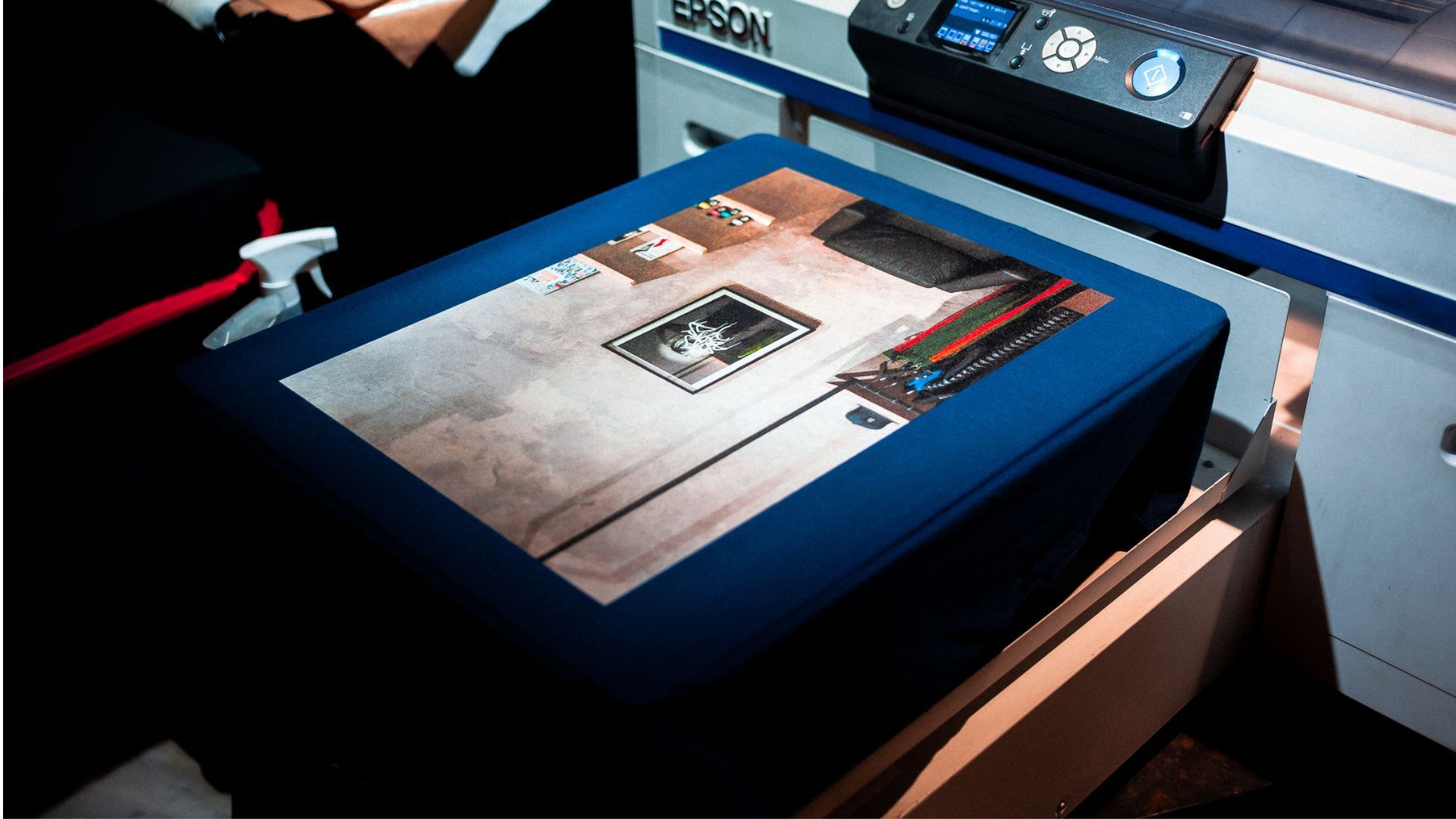
A modern multi-function office printer is a vital piece of company infrastructure, containing thousands of moving parts, delicate optical sensors, and intense thermal modules. When a machine begins to misbehave, the default response for most employees is to cycle the power or open and slam the outer access panels.
While a simple reboot can clear occasional digital hiccups, persistent mechanical or structural warnings require immediate professional intervention.
Ignoring these operational warning signs can turn a minor, inexpensive repair into a catastrophic hardware failure that forces your business to incur an early capital expenditure for a total machine replacement. Knowing when to step away from the control panel and call for expert assistance is crucial for protecting your workplace productivity and your equipment budget.
Key Takeaways: Recognizing the Breaking Point
No space after the following headings
- The Phantom Jam: Repeated paper jam errors with no visible paper blocks indicate worn-out feed rollers or failing internal optical sensors.
- Mechanical Distress: Auditory warnings such as grinding, clicking, or high-pitched screeching signal urgent gear misalignment or drive belt degradation.
- Fuser Assembly Failure: Faint, repeating ghost images that easily smudge off the page prove that the internal heating elements are no longer bonding toner to paper fibers.
- Firmware and Drivers: Chronic drops in network connectivity or persistent print spooler lockouts often stem from deep firmware corruption rather than standard network issues.
- The Financial Framework: If annual repair bills reach 25% to 30% of the cost of a brand-new machine, it makes more fiscal sense to replace the unit rather than service it.
Introduction: The Tipping Point of Office Hardware
In a fast-paced work environment, a malfunctioning office printer is more than just an inconvenience. It is a barrier that halts workflows, delays client presentations, and creates unnecessary frustration for your staff.
Too often, teams try to push through minor errors, relying on temporary workarounds to keep an aging machine running.
This reactive approach almost always backfires, turning small component issues into major breakdowns. When your office equipment shows signs of structural wear, continuing to operate it without professional diagnostics is a major risk.
At Cartridge World Corporate, we focus on helping businesses maintain maximum office efficiency while keeping their operational costs low. If your team is struggling with unreliable equipment, exploring Cartridge World’s print optimization services can provide the professional maintenance and strategic fleet management your business needs to stay online.
Persistent Paper Jam Cycles: The Myth of the "Phantom Jam"
Few errors are as disruptive as a paper jam, but when a machine enters a continuous loop of paper jam alerts, the issue is rarely just a stray piece of paper.
The Breakdown of Paper Transport Mechanics
To pull a single sheet of paper from a tray, feed it through a high-speed imaging path, and deposit it into an output bin, your printer relies on specialized rubber pickup rollers. Over thousands of print cycles, paper dust—a microscopic abrasive residue left behind by paper reams—coats these rollers.
This dust strips the rubber of its texture, leaving the rollers smooth and slick. When the roller spins, it can no longer grip the paper properly, resulting in delayed feeding.
The Paper Transport Tracking Sequence
- Step 1: The roller spins to grip and pull a sheet of paper from the primary paper feed tray.
- Step 2: Due to slick, dust-Coated rubber rollers, the paper arrives late at the next internal mechanical gate.
- Step 3: The clock resets, the internal safety logic flags a timing discrepancy, and the control board triggers a "Paper Jam" alert.
The Failure of Microscopic Optical Sensors
Modern office printers feature multiple small optical sensors along the internal paper path to track the progress of each print job. These sensors use small mechanical flags or infrared beams to verify that paper arrives and departs within milliseconds of the target timing.
If a sensor becomes caked with loose toner dust or suffers an internal electrical failure, it will report a blocked path to the main logic board. Slams or forceful handling of the paper trays will not clean a dusty lens or restore a broken sensor.
Unusual Noises & Grinding: The Machine’s Internal Cry for Help
An office printer should operate with a predictable, rhythmic sequence of mechanical sounds. When that smooth operation shifts to harsh, irregular noises, your hardware is experiencing severe mechanical friction.
Categorizing Destructive Printer Sounds
- Loud Grinding: This sound indicates that the main drive gears have slipped out of alignment, causing the hard plastic teeth to rub against one another.
- Sharp Clicking: A repetitive clicking sound usually points to a failing clutch or a broken solenoid that is trying to engage the paper pickup assembly but failing.
- High-Pitched Screeching: This piercing noise signals that the bearings inside the main motor drive or the cooling fans have dried out and are about to seize completely.
The High Cost of Ignoring Mechanical Friction
When you hear grinding inside a laser printer or multi-function device, the internal components are actively wearing away. Operating a machine with misaligned gears will quickly strip the gear teeth entirely, causing a sudden lockup of the entire drive system.
If a drive belt snaps or a motor seizes due to ignored friction, the resulting repair bill will be significantly higher than a routine service call.
Ghosting and Repeating Images: Fuser Assembly Failure
If your printed pages begin to show faint, blurry echoes of text or graphics from earlier in the document, your printer is experiencing image ghosting.
The Thermodynamics of Toner Bonding
Unlike traditional liquid ink, laser printer toner is a fine plastic powder. To fix this powder permanently to paper fibers, the sheet must pass directly through a specialized component called the fuser assembly.
The fuser uses an internal halogen heating element or an induction coil to heat a metal roller to temperatures of 180°C (356°F) or higher while applying hundreds of pounds of mechanical pressure.
Signs of a Failing Fuser Module
- Incomplete Melting: The toner powder fails to melt entirely, allowing images to slide, smear, or scratch off the page under light finger pressure.
- Toner Adhesion Issues: The non-stick coating on the upper fuser roller wears thin, causing hot toner to stick directly to the roller rather than the page.
- Repeating Echoes: As the dirty fuser roller rotates, it deposits that residual toner back onto the next section of the page, creating a repeating ghost image every few inches.
Connectivity & Driver Conflicts: Moving Beyond the Basic Hard Reset
When an office printer refuses to print and displays an "Offline" status across your company network, the natural reaction is to unplug the network cable or restart the machine. When these basic steps fail to restore the connection, the issue is likely a deeper configuration problem.
The Trap of Corrupted Internal Firmware
Like any computer, modern network printers run on a dedicated operating system called firmware. This software manages network protocols, security encryption, and the translation of print commands.
During high-volume data transmissions, a power surge or a sudden network drop can corrupt the active lines of code within the printer’s memory chip. Once corrupted, the network card can no longer communicate reliably with your office routers, leading to dropped print jobs and frozen print queues.
Resolving Driver Overlaps and Configuration Errors
In today's hybrid work environments, computers connect to office networks from various locations, often causing printer driver conflicts. Using generic or outdated print drivers can overwhelm the printer's print spooler, causing the machine to process data slowly or output pages filled with random lines of text and code characters.
Fixing these issues requires more than a simple reboot. It demands professional network diagnostics, clean firmware updates, and proper configuration of your local office print server.
Cost-Benefit Analysis: When to Repair vs. When to Replace
Every business asset eventually reaches a point of diminishing financial returns. To manage your office budget effectively, you need a clear framework to determine whether a printer repair is a sound investment or an expensive delay of an inevitable replacement.
The Financial Decision Workflow
- Step 1: Assess the failure frequency. If the printer fails regularly, pull the last 12 months of service invoices.
- Step 2: Apply the financial threshold rule. If annual repair bills exceed 25% to 30% of the replacement cost, proceed with replacement.
- Step 3: Verify parts availability. If the manufacturer has phased out fusers and mainboards, retire the asset immediately.
The 30% Financial Evaluation Rule
Independent studies across the managed print industry show that businesses should track the total maintenance costs of each piece of hardware. If the projected cost of an out-of-warranty repair—combined with any previous service bills from the past twelve months—exceeds 25% to 30% of the cost to buy a new machine with matching capabilities, replacement is usually the better financial move.
Considering Parts Availability and Technology Changes
As hardware models age, manufacturers phase out the production of replacement parts, including fusers, mainboards, and rollers. Operating an outdated machine puts your business at risk of extended downtime if a critical component fails and cannot be sourced quickly.
Newer printer models also offer significantly better energy efficiency and much higher toner yields per cartridge, which lowers your long-term total cost of ownership.
Preventive Maintenance Schedules: Protecting Corporate Capital
The most effective way to handle a major hardware failure is to prevent it from happening in the first place. Relying on a reactive, "break-fix" approach to office equipment can cost your business thousands of dollars in lost productivity and urgent service fees.
The Real Value of Scheduled Maintenance
According to independent maintenance data monitored across corporate office operations, structured preventive maintenance remains the top strategy for leading operational teams. Planned care models routinely reduce total emergency repair costs by up to 25% while boosting overall equipment uptime by 10% to 20%.
For high-volume office environments, scheduling regular maintenance based on your actual printing volume protects your initial investment and keeps your office running smoothly.
What Happens During a Professional Maintenance Visit
A comprehensive, professional maintenance service goes far beyond wiping down the outside of the machine. A certified technician will complete a multi-point inspection to ensure your equipment remains in top condition:
- Debris Extraction: Technicians use specialized vacuums to safely remove loose toner powder, paper dust, and debris from the internal gear tracks and the laser-scanning glass.
- Component Reconditioning: Specialized cleaning solutions are applied to restore grip to paper rollers, preventing phantom paper jams.
- Lubrication Review: High-temperature lubricants are carefully applied to core drive gears to minimize friction and prevent gear stripping.
- Early Part Detection: High-wear parts, such as fuser sleeves and transfer rollers, are inspected for wear and replaced before they fail mid-job.
FREQUENTLY ASKED QUESTIONS
Why does my printer keep saying "Paper Jam" even though there's no paper inside?
This is typically caused by a buildup of paper dust or loose toner on one of the internal optical sensors along the path. It can also happen if a small mechanical sensor flag becomes stuck or broken, misleading the printer's internal controller.
Can I fix a grinding noise myself by spraying lubricant inside the printer?
No, you should never spray standard lubricants like WD-40 inside a printer. These household lubricants can ruin delicate optical sensors, melt plastic gears, and create a severe fire hazard when exposed to the high temperatures inside the fuser assembly.
How often should our business schedule professional printer maintenance?
For standard office usage, a semi-annual service check is recommended. For high-volume environments—such as legal firms, medical clinics, or logistics hubs printing over 10,000 pages per month—moving to a quarterly maintenance schedule is best to prevent unexpected downtime.
Cartridge World's Print Expertise
Cartridge World Corporate has been a trusted global leader in commercial printing solutions for more than twenty years, managing thousands of active business printing networks across North America. Our certified field service technicians undergo rigorous technical training in electrical engineering, mechanical diagnostics, and complex network setup. From our regional fulfillment centers, we provide on-site repair, preventive care, and fleet management support to keep your business workflows moving without interruption.
Protecting Your Operations with Expert Care
Keeping your office printing costs low is an important business goal, but trying to fix complex mechanical failures with basic workarounds is rarely the right answer. The internal systems of a modern office printer require precise adjustments and expert care. Ignoring clear signs of wear, such as persistent paper jams, grinding noises, or failing fusers, will only lead to more extensive damage and costlier repairs down the road.
The bottom line is that proactive maintenance is always more cost-effective than an emergency replacement. By choosing regular, professional printer service, repair and factory-tested replacement parts, you protect your office equipment, avoid frustrating downtime, and get the most out of your technology budget.
Don't wait for a total machine failure to disrupt your business operations. Reach out to a local print expert today to schedule a comprehensive system check and keep your team productive.
Contact Us
Most Popular
Recommended For You
