

When you think of the phrase “All-In-One Printer,” what comes to mind?
High-resolution color photos? Possibly. Sheet after sheet of school and business reports? Definitely. Electronic scanning, faxing, and Wi-Fi compatible cloud printing from almost any mobile device? Yea…wait, what?! You heard it right! Today’s multi-function printers, also known as all-in-ones are capable of almost anything you need for your home or business printing.
So what makes a good all-in-one printer?
- Wireless: Printers that can connect to a wireless network can act as stand-alone devices that do not need a PC to function. Google Cloud Print, Apple AirPrint, mobile devices, USB memory sticks, email accounts – you can use all of these systems to easily print from virtually anywhere.
- Scan, Copy & Fax: These functionalities are a must. Scanner, fax machine, and copier all rolled into one, the right printer will allow you to connect to a secure network and share your documents, without ever switching printing devices.
- Print Speed: Do you need your printer for your home, home office, or business? Top-rated printers can pump out approximately 15-19 pages per minute, without breaking stride – even on wireless networks.
- Inkjet vs Laser: If printing color photos at home is your priority, opt for an inkjet. If you are a business and text is more your speed, a laser printer will be for you. Just be sure to choose from one or the other for the highest quality printing.
All-in-one printers incorporate all the functionality you need to create breathtaking color photos or run an entire business. To confirm the right printers, and the best printing accessories at the lowest prices, contact the experts at your local Cartridge World store.
Contact Us
Most Popular
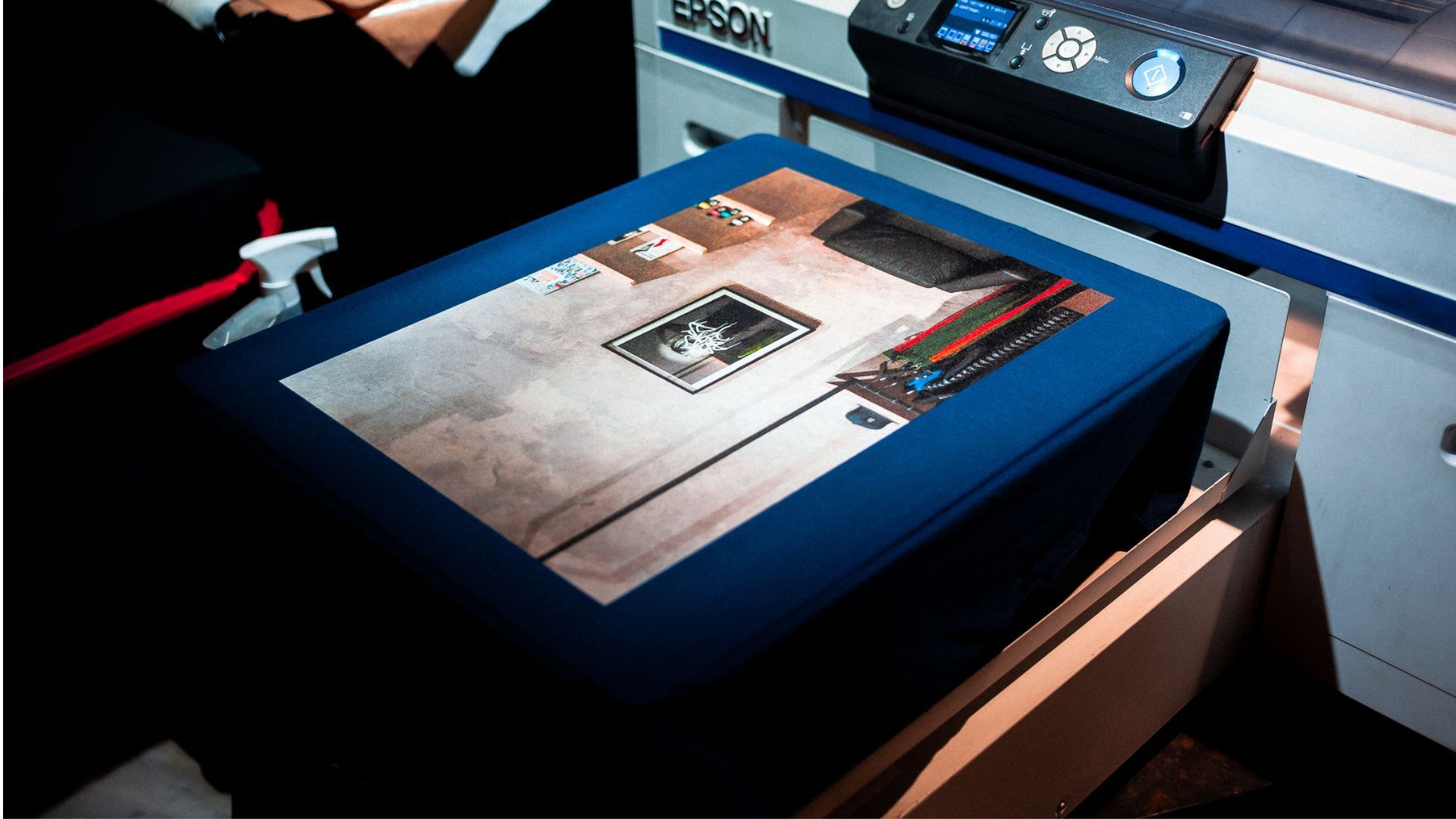
Repeated paper jams, grinding noises, or ghosted prints? Learn the critical tipping points when your office printer needs professional repair to protect your asset.
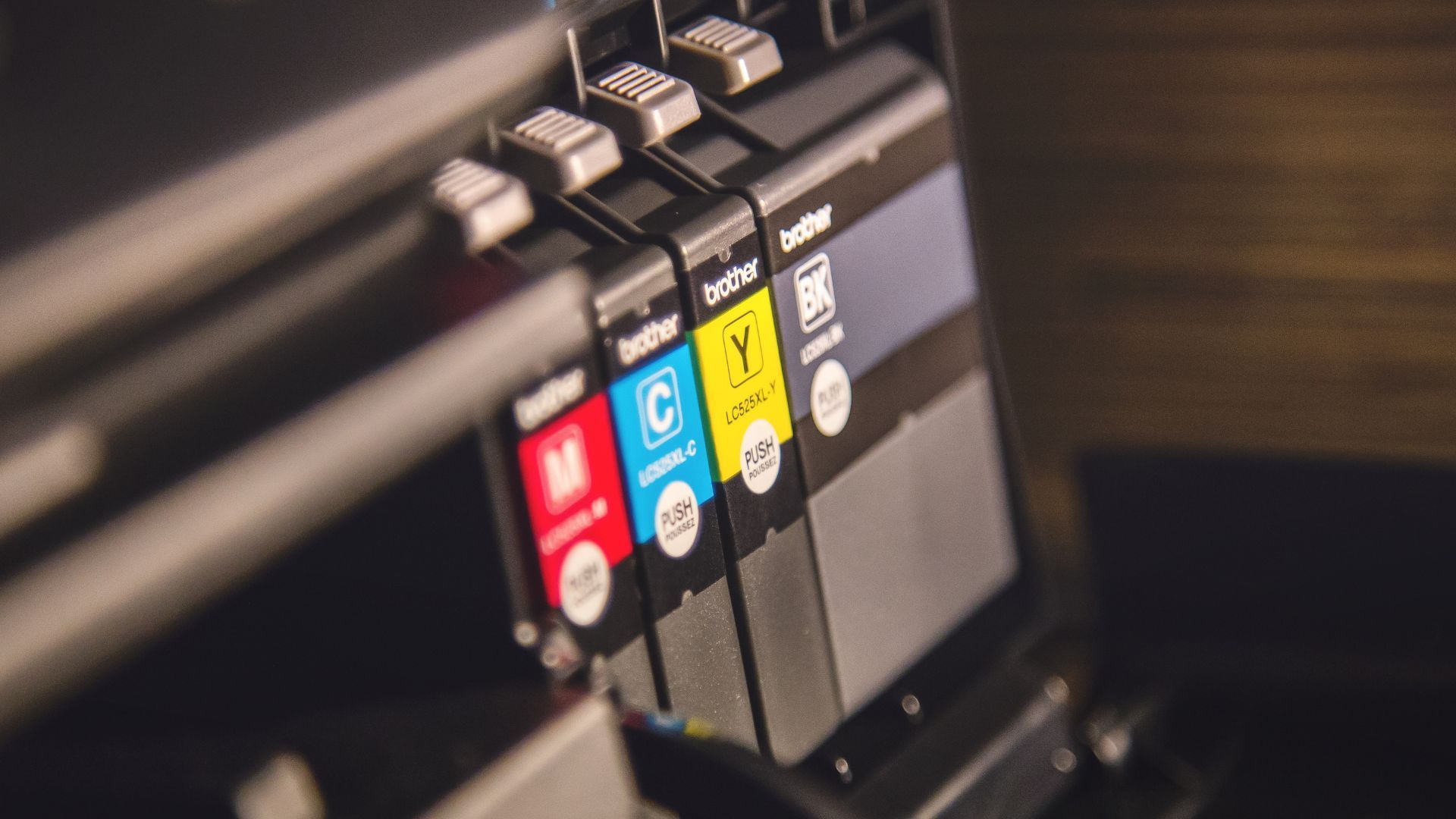
Wondering how often you can refill ink cartridges without damaging your printer? Learn the technical limits of DIY refills and how to avoid costly hardware failure.
Tired of printer issues stalling your team? Discover how managed print services streamline workflows, reduce downtime, and boost office productivity.
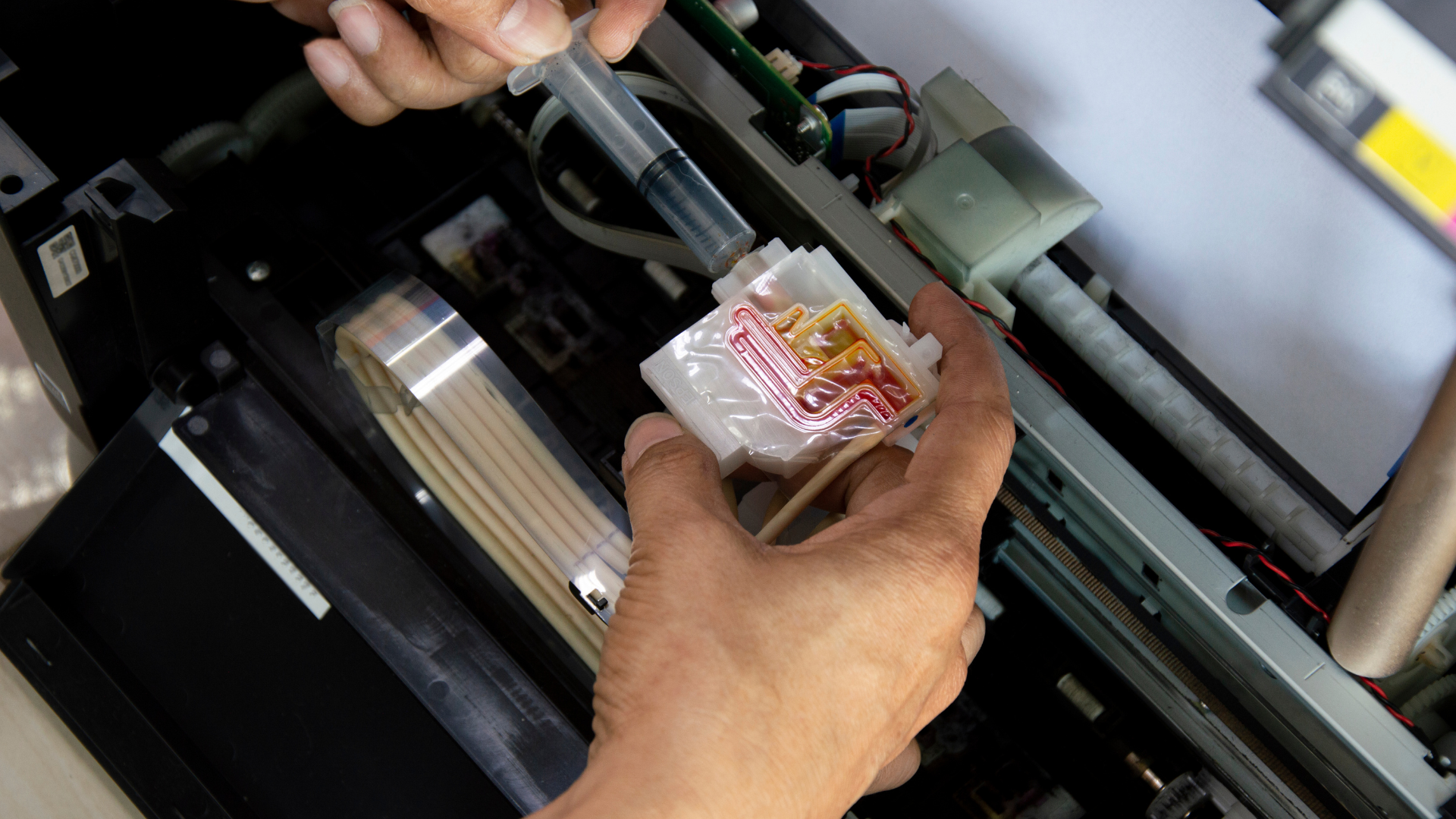
Wondering who repairs office printers for small businesses? Discover how to find reliable printer service repair near you to minimize downtime and keep your office running smoothly.
Recommended For You
Repeated paper jams, grinding noises, or ghosted prints? Learn the critical tipping points when your office printer needs professional repair to protect your asset.
Wondering how often you can refill ink cartridges without damaging your printer? Learn the technical limits of DIY refills and how to avoid costly hardware failure.
Tired of printer issues stalling your team? Discover how managed print services streamline workflows, reduce downtime, and boost office productivity.
